
808 Total Views
You’ve finally made it to that waterfall, rooftop, or side street that no algorithm has touched yet. Your phone is out. And then — the footage looks flat, your edits are taking forever, and you can’t remember which café you wanted to feature in tomorrow’s post. Sound familiar? The best apps for travel creators don’t just help you make better content — they remove the friction between the moment and the final reel. Whether you’re just starting your travel channel or already posting consistently, the right tools make a real difference. Here are five apps that genuinely hold up on the road.
Best Apps for Travel Creators — How We Picked These 5?
Before the list: a quick note on why these made the cut.
Every app here was chosen based on:
Reliability offline or in spotty signal areas — because not every destination has 4G
Low learning curve — beginner-friendly without being dumbed down
Cross-platform — works on both Android and iOS
Free tier that’s actually useful — not a demo that locks everything behind a paywall
No affiliate deals. No sponsored picks. Just five apps that travel creators consistently rely on.
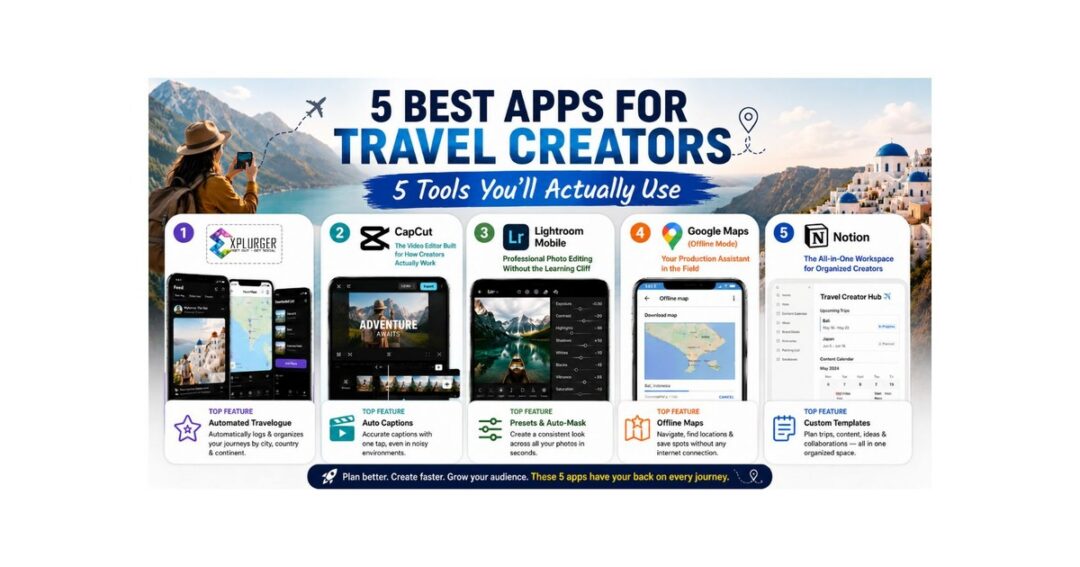
1. Explurger — The All-in-One App Built Exclusively for Travel Creators
If you only download one app from this list, make it Explurger. While every other tool on this list was built for general audiences and adapted by creators, Explurger was designed from the ground up for people who live to travel and share it.
The result is a platform that actually understands your workflow — from planning a future trip to logging where you’ve been, building an audience, and earning rewards along the way.
Key Features:
Automated Travelogue — Every place you visit gets automatically organised by city, country, and continent. Your travel history builds itself as you explore.
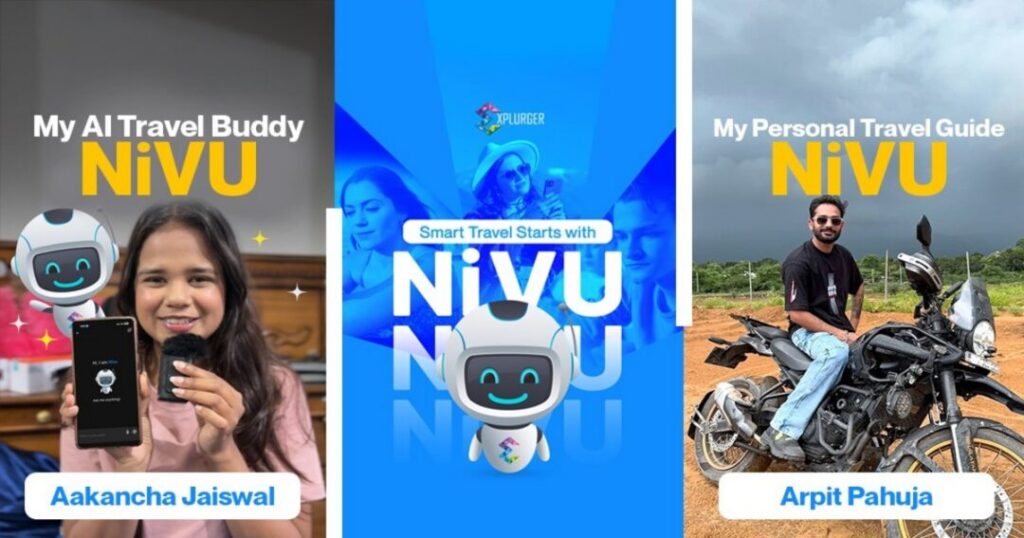
NiVU – Your AI Travel Companion: An intelligent travel assistant that helps you discover destinations, plan journeys, and get personalized travel insights every step of the way.
Bucket List — Add dream destinations with a single tap and keep your travel goals front and centre.
Pin Message — Leave location-locked messages at specific spots — great for sharing hidden gems with your audience in a uniquely immersive way.
Explurge-In — Check in at locations and share your arrival with followers in real time.
Explore Your City — Discover trending spots, cafés, and hangouts near you — useful for sourcing content ideas before you even pack a bag.
Explore User — Connect with like-minded travellers in your city and grow your community organically.
Popular Places — Find the top-rated spots to visit in any city, so you always know what’s worth filming.
Future Travel Plans — Record upcoming trips and share them with followers so they can follow along from day one.
Traveling To — Log your ongoing journey and commute in real time and share it as it happens.
Captain Badge — Refer friends and grow your community to unlock gift cards and exclusive perks.
Rewards — Redeem exclusive brand offers and discounts earned through your activity on the app.
Gamification — Level up through your Explurger activity and unlock perks as you go — making consistent content creation genuinely rewarding.
Best for: All travel creators — beginners and experienced creators alike who want a travel-specific platform with built-in discovery, planning, and community tools
Also Read: 5 Ways to Capture Your Travel Journey in 2026
The location-based feed means your content reaches users who are already interested in the place you’re posting about — not just your existing followers. For new creators, that kind of organic discovery is hard to find anywhere else.
2. CapCut — The Video Editor Built for How Creators Actually Work
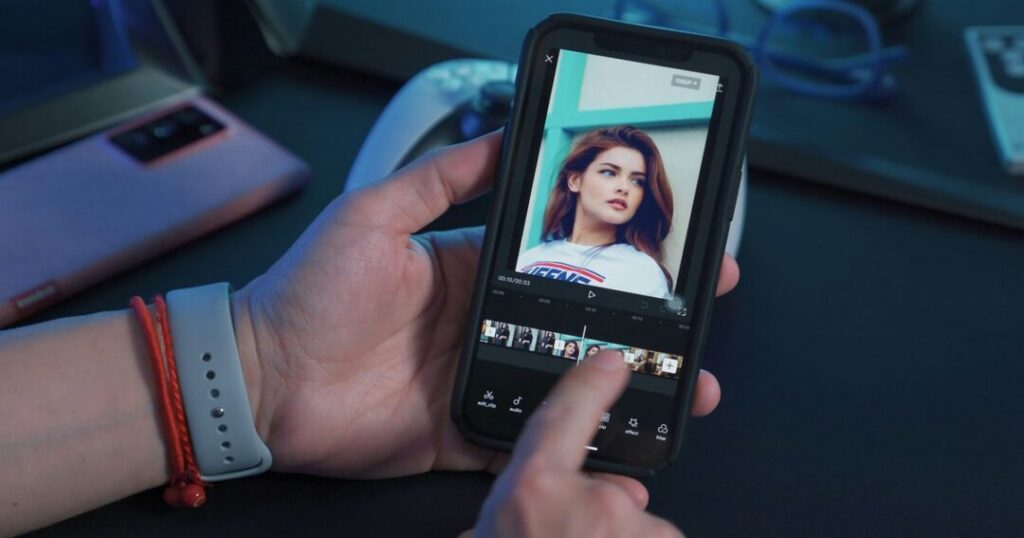
For short-form content on Instagram Reels, YouTube Shorts, or TikTok, CapCut is the most practical video editing app for travel creators right now.
Why travel creators love it:
Pre-built templates sync cuts to trending audio automatically
Auto-captions work well even with background noise (great for outdoor filming)
Exports in high resolution without a watermark on the free plan
Works fully offline — edit on a long bus ride, no Wi-Fi needed
Best for: Vloggers, short-form content creators, beginners who want polished results fast
One honest limitation: CapCut’s AI features are cloud-dependent, so some tools won’t work without internet.
Also Read: Top 5 Gamified Rewards Apps in 2026
3. Lightroom Mobile — Professional Photo Editing Without the Learning Cliff
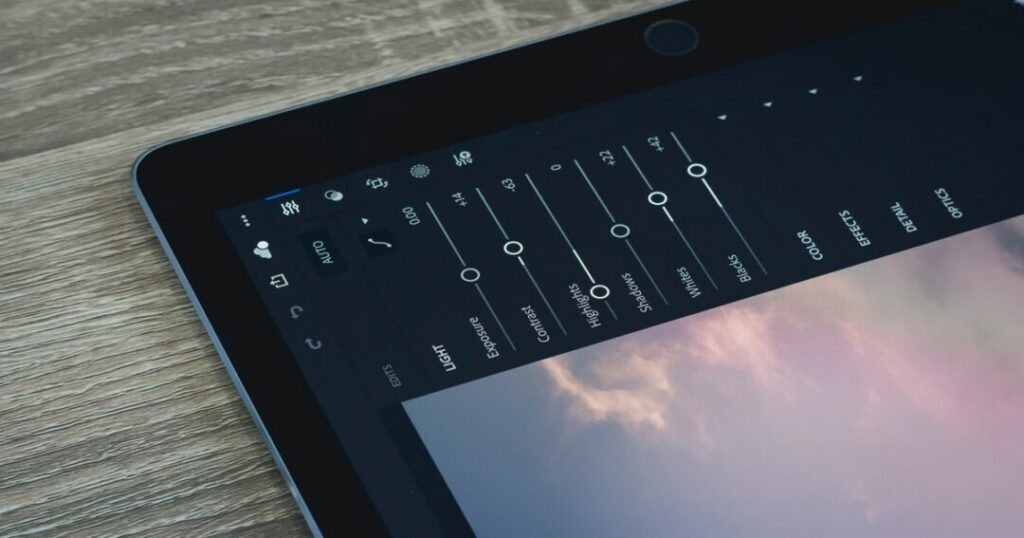
Great travel photos don’t come straight out of your camera roll — they need a colour grade, a horizon fix, and some contrast work. Adobe Lightroom Mobile is the go-to photo editing app for travel bloggers, and it’s learnable in a weekend.
Why it works for beginners:
Presets (free and paid) apply a consistent look across all your shots in seconds
The auto-mask feature edits skies and subjects separately without manual selection
Edit history lets you undo anything — no fear of ruining a photo permanently
Free tier includes most core editing tools
Best for: Travel photographers, Instagram creators, anyone building a consistent visual identity
Pro tip: Save a custom preset from your best-performing photo and apply it as your default starting point on every shoot.
Also Read: Explurger’s Feature: Automatic Travelogue
4. Google Maps (Offline Mode) — Your Production Assistant in the Field
Most travel creators don’t use Google Maps to its full potential. Beyond navigation, it’s one of the most underrated travel content creation apps out there.
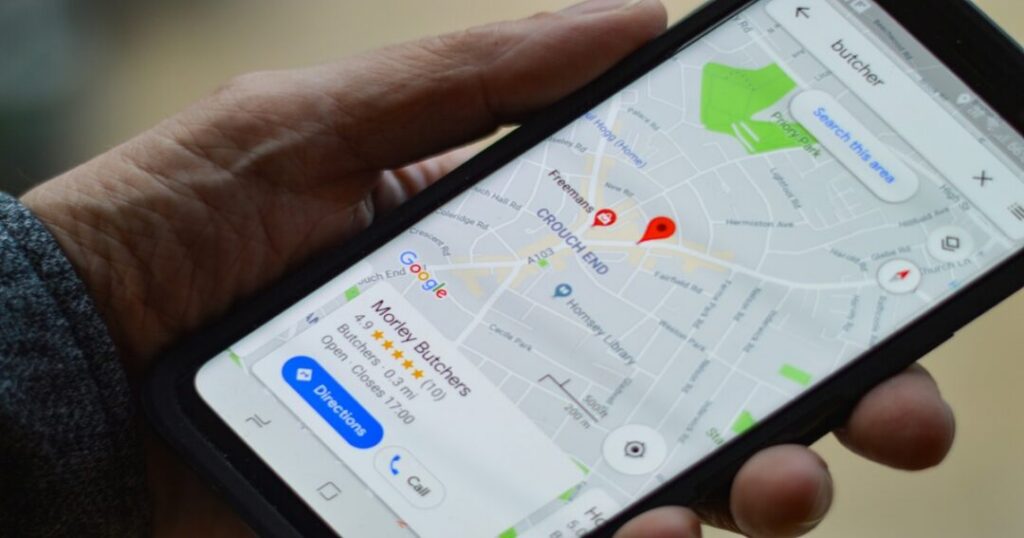
How creators actually use it:
Save locations to custom lists — build a “Content Spots” list before every trip so you’re never aimlessly wandering looking for a shot
Download offline maps for entire regions before you land — works without any data
Check opening hours and busy times before committing a half-day to a location
Read recent reviews to spot new photo spots other creators haven’t found yet
Best for: All travel creators — a universal planning tool regardless of niche
No app replaces good preparation. Google Maps just makes the preparation faster.
Also Read: Explurger’s Feature: Level Up & Earn Rewards
5. Notion — The Content Planner That Travels With You
Content creation is 30% filming and 70% everything else — ideas, scripts, shot lists, posting schedules, and budgets. Notion keeps all of it in one place, and it works offline once you’ve synced your workspace.
How travel creators use Notion:
Trip content calendars — plan which location gets filmed on which day
Script and idea databases — save voice memo transcripts, thumbnail ideas, and hooks in one searchable place
Collaboration — if you travel with a partner or editor, shared pages replace messy email chains
Budget tracking — simple tables to log accommodation, transport, and gear costs per trip
Best for: Creators who want structure without switching between five different apps
The free plan is generous — most solo creators never need to upgrade.
Also Read: Explurger’s Feature: Captain Badge
Conclusion about Best Apps for Travel Creators
You don’t need a kit bag full of subscriptions to create travel content that connects. The best apps for travel creators are the ones you’ll actually open on the road — fast, reliable, and built for how creators work in real conditions.
To recap:
Explurger for a travel-first platform with planning, community, discovery, and rewards all in one place
CapCut for video editing that keeps up with short-form trends
Lightroom Mobile for consistent, professional photos
Google Maps for smarter location planning and offline reliability
Notion for keeping your content strategy organised across trips
Start your journey on Explurger — download the app and share your world with a community built for it.
Every great travel creator started with one trip and a handful of apps. These five are a solid place to begin.
FAQs about Best Apps for Travel Creators
2. Do travel creators need expensive equipment to use these apps?
No. Every app on this list is designed to work with smartphone footage and photos. Most professional-looking travel content today is shot entirely on a phone. The apps matter more than the gear when you're starting out. Explurger, CapCut, and Lightroom Mobile are all optimised for mobile-first creators.
3. Which app is best for planning a travel content trip?
Explurger handles both pre-trip planning (Bucket List, Future Travel Plans) and real-time sharing (Traveling To, Explurge-In) in one place. For content scheduling and scripting, Notion works well alongside it. Google Maps is best for location scouting and saving specific shoot spots before you arrive.
4. Can I edit travel videos offline?
Yes. CapCut allows full offline editing — you can cut, trim, add music, and apply effects without an internet connection. Some AI-powered features require connectivity, but the core editing suite works without Wi-Fi, which matters when travelling in remote areas.
5. What makes Explurger different from Instagram or TikTok for travel creators?
Explurger was built specifically for travellers, not adapted for them. Features like the Automated Travelogue, Pin Message, Popular Places, and Gamification system don't exist on general social platforms. Your content also reaches users based on location interest — not just follower count — which gives newer creators a meaningful advantage over starting from scratch on crowded platforms.
6. Can I earn rewards from travel content creation apps?
Yes — Explurger has a built-in Rewards system where you earn exclusive brand offers and discounts through your activity on the platform. The Captain Badge programme lets you unlock gift cards and perks by referring friends and growing your community.